

A simple recording example
Once you have logged into WireMock Cloud and created a mock API, navigate to the Stubs page. Then hit the Record button, enterhttp://ip-api.com as the target URL and hit Start.
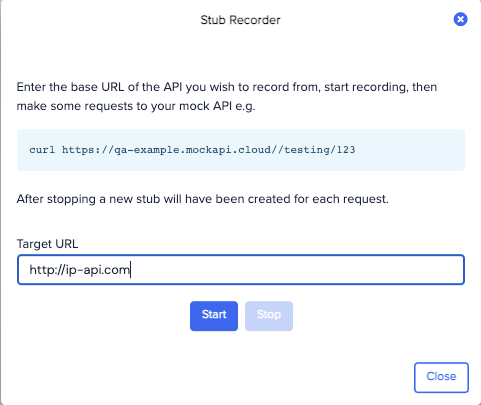
my-mock-api for your own sub domain name):
GET request will be made to http://ip-api.com/json and the result captured.
Now hit Stop, and you should see that an extra stub has been added to the list.
Request matching rules when recording
When a request with no body is received during recording, the recorder will create a stub matched on HTTP method and URL only. When a request with a body is received a body pattern is also included. If the request body is a valid JSON document, then theequalToJson operator will be used. If XML, the equalToXml operator will be used. Otherwise the operator will be equalTo i.e. simple string equality.