

Importing a mock API into WireMock Cloud from WireMock
Assuming you’re running a WireMock instance on port 8080, you can export all the stubs currently defined via the admin API:example-stubs.json:
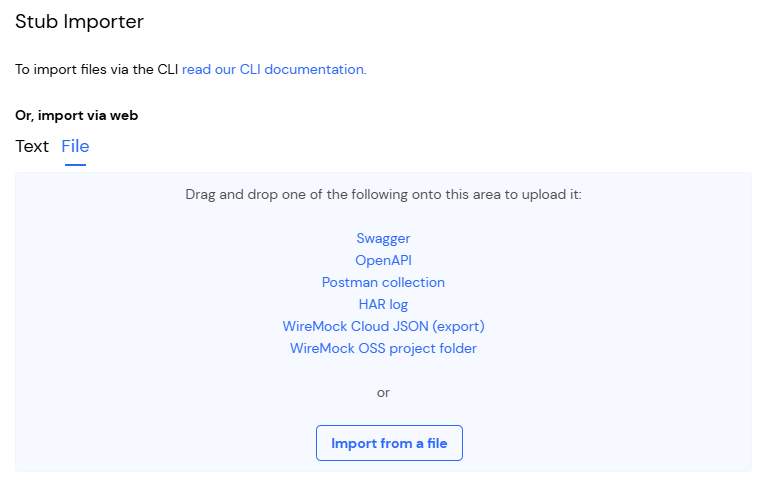
Stubs that use
response.bodyFileName are not supported when creating or importing a single stub. The bodyFileName field will be rejected. See how this can be worked around by uploading a WireMock project folder.Importing a mock API into WireMock from WireMock Cloud
First, export the stubs via the Export dialog in the Stubs page: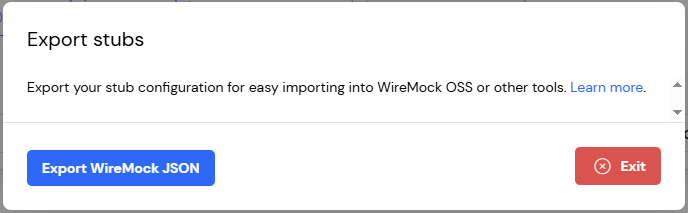
example-stubs.json into the mappings directory
under your WireMock root and either restart WireMock or make a POST request to the
reset API:
If any of your stubs make use of response templating then you’ll need to ensure WireMock is started with the
--local-response-templating CLI parameter or Java equivalent.It is not currently possible to import stubs that use the JWT and JWKS template helpers into WireMock.
Uploading a WireMock folder
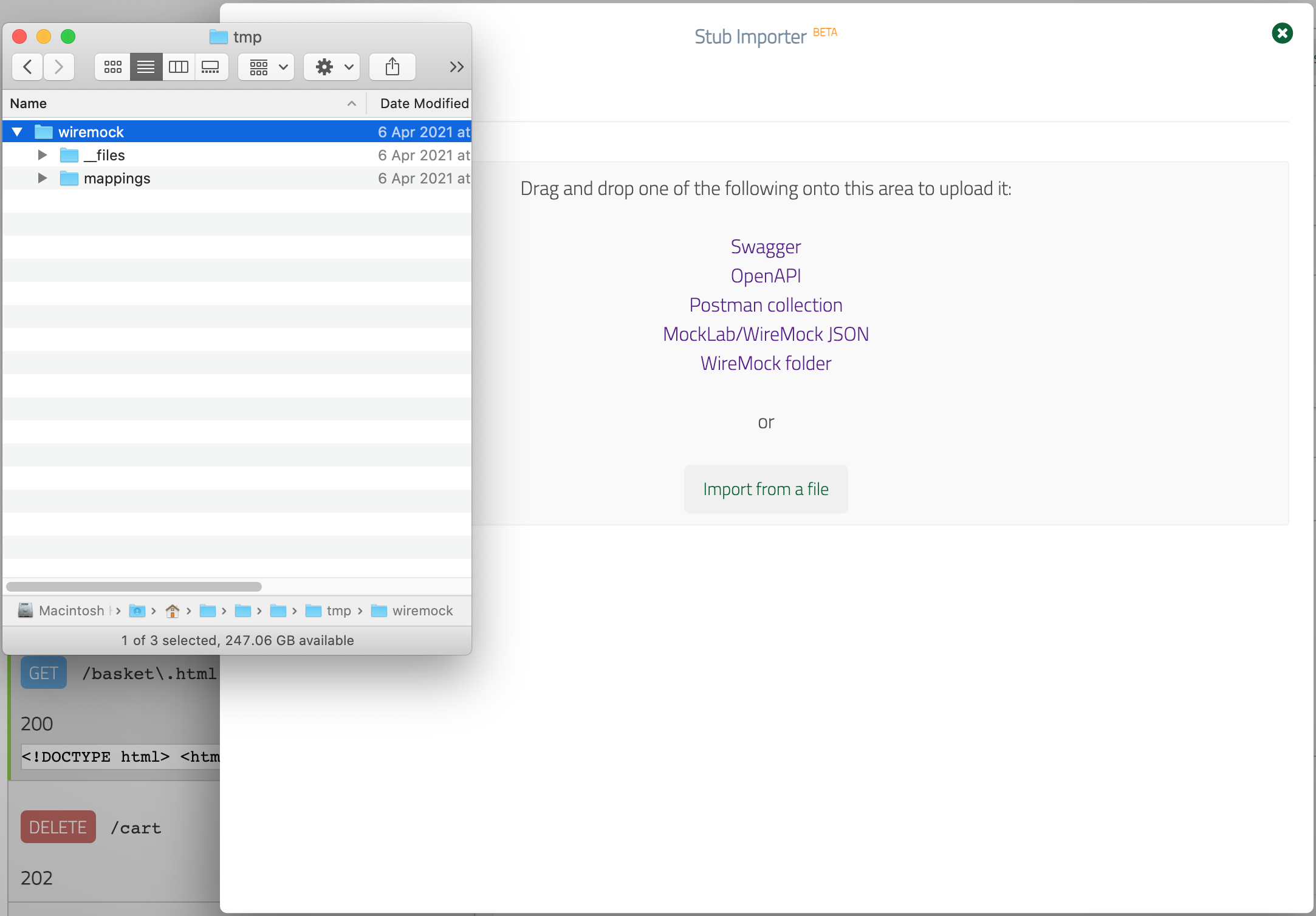
If you have a WireMock project that consists of individual JSON stub mapping files under themappings directory that refer to response body files under __files
you can import this by dragging and dropping the project folder into the dialog.
Unlike the method involving a single JSON file described above, this will cause the
response bodies under __files to be inlined.
All
response.bodyFileName references in stub mappings must resolve to a file present in the __files directory. Handlebars templates in bodyFileName values (e.g. {{request.pathSegments.[0]}}.json) are not supported and will cause the import to fail.Pushing stubs to WireMock Cloud using WireMock’s Java API
Another way to import a WireMock project that has a__files directory is to push it using WireMock’s Java API.
This method also inlines response bodies before sending them to WireMock Cloud: