

Does WireMock have a UI?
WireMock OSS is configured with JSON files, client libraries and its admin API, and has no UI for creating and managing stubs. WireMock Cloud runs the same WireMock engine and adds a hosted web UI on top. Stubs you create in the UI are standard WireMock stubs, so you can export them in WireMock format and run them anywhere, or manage them from the WireMock Cloud API, the WireMock CLI, an AI coding agent or the JetBrains IDE plugin. To use the UI, create a free account and sign in.Mock APIs dashboard
The Mock APIs page lists every mock API you can access, with its base URL, creation date and protocol. You can search and filter the list. Click Create new mock API to create one. You choose a protocol - REST (OpenAPI), gRPC, GraphQL or Unstructured - or start from a ready-made template for a third-party API, such as Google Sign-In or OpenAI, from the featured templates or the template library.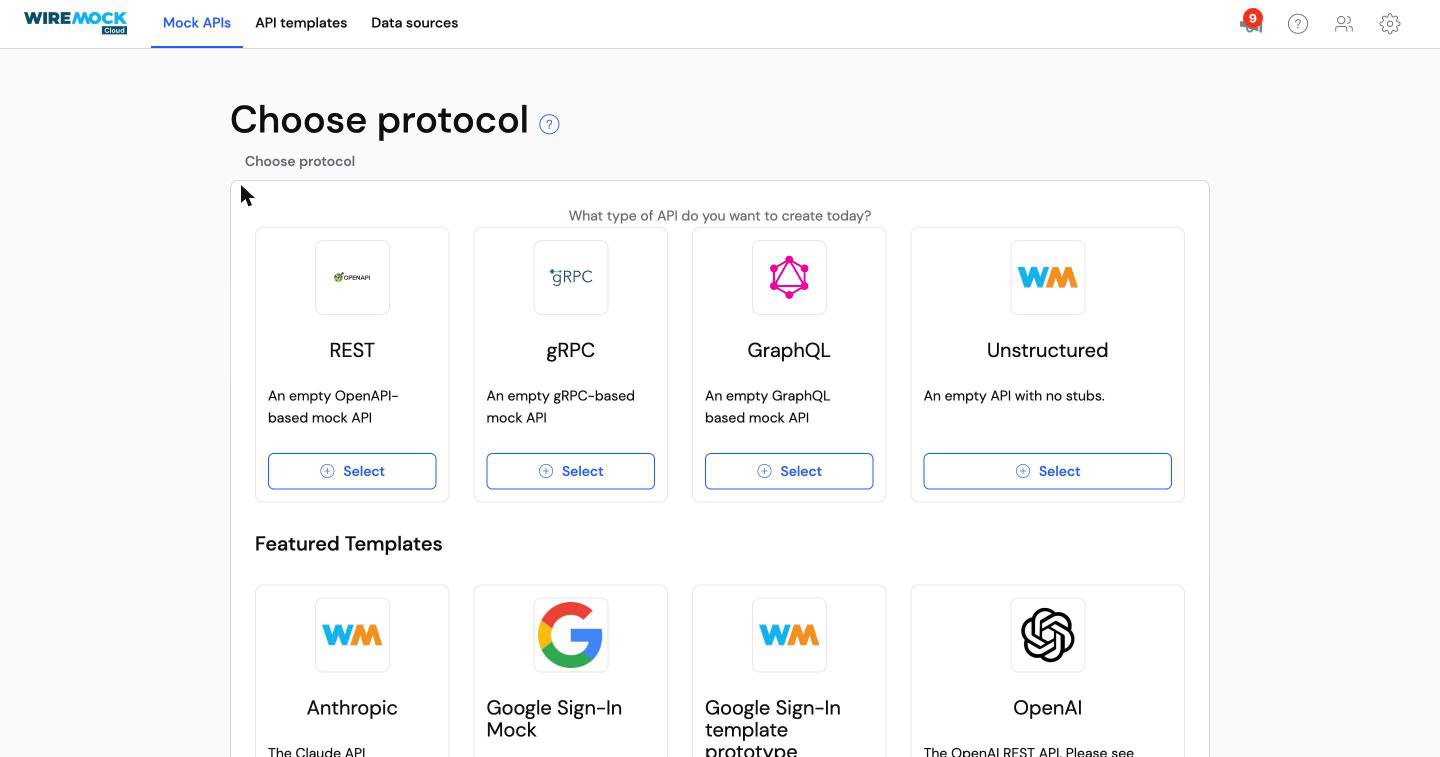
Inside a mock API
Each mock API shows its base URL, of the formhttps://<subdomain>.wiremockapi.cloud, at the top right, alongside
Share for sharing with teams and users.
The toolbar has:
- Test requester - send a request to the mock API from the browser
- Run Via CLI - run the mock API locally with the WireMock CLI
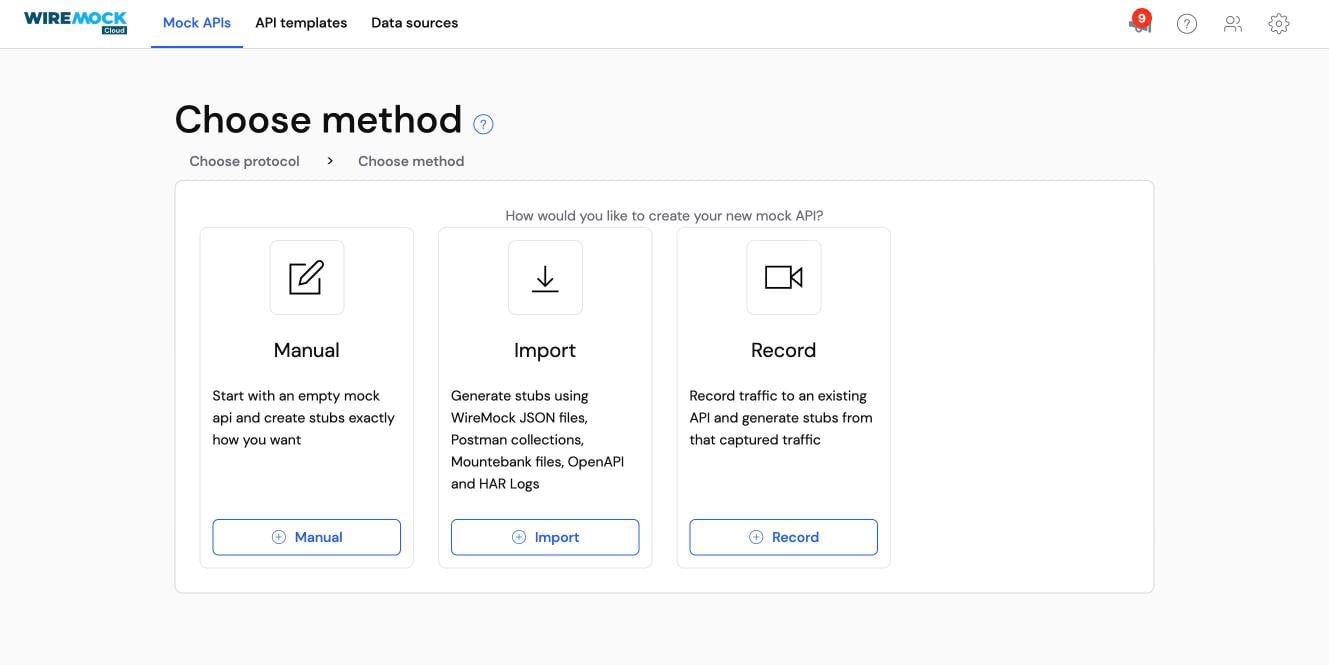
- Record or Import - record stubs from an existing API, or import them from OpenAPI, Postman, HAR or WireMock JSON
- Reset state - reset stateful scenarios and dynamic state
Stubs
The Stubs page lists the mock API’s stubs and is where you create and edit them in a form, setting the request to match and the response to return. See Stubbing basics and Advanced stubbing. Use Stateful Set to generate stateful CRUD stubs for a resource.Request log
The request log lists the requests the mock API received, with each one’s status, the stub that matched it and any validation errors. Use it to check your app is calling the mock API as you expect, and to find out why a request didn’t match.Chaos
The Chaos page injects random latency and failures into the mock API’s responses.Settings
The Settings page holds the mock API’s configuration, including its hostname and admin API and mock API security.OpenAPI
The OpenAPI page holds the mock API’s OpenAPI description, which can generate stubs, validate requests and responses and sync with Git.Version history
The Version history page lists changes to the mock API, so you can compare or revert them.API templates
The API templates page holds your organisation’s own templates, so your team can create new mock APIs from a shared starting point. To save a mock API as a template, open it and choose API template… then Save as new.Data sources
The Data sources page is where you upload CSV files or connect databases to use as test data in your stubs.Organisation and account
The people icon opens your Organisation page, which lists your organisation’s users and teams - see Teams and collaboration. Your API token, used by the API, the CLI and the MCP server, is on your account’s Security page.Keyboard shortcuts
PressShift + ? anywhere in the UI to see the keyboard shortcuts for the current screen. For
example, Shift + m goes to Mock APIs, Shift + r to a mock API’s request log and Shift + s to its stubs.