

Viewing requests
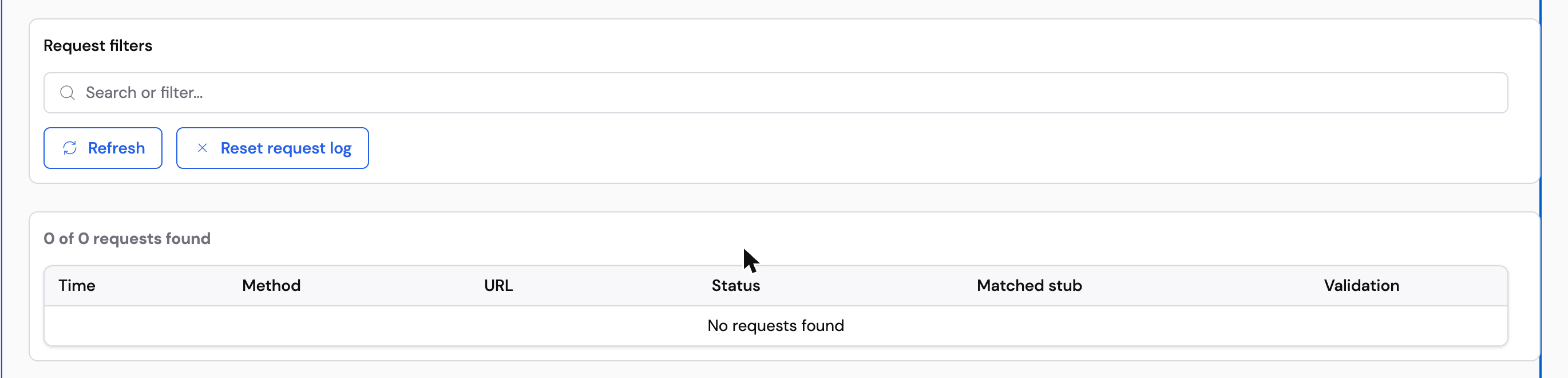
Open your mock API and go to the Request Log page, or pressShift + r.
The log lists the requests the mock API received, with each one’s time, method, URL, response status, the stub that
matched it and any validation result. Use the search box under Request filters to narrow the list, and Refresh
to load new requests.
- Webhooks log the outbound webhook request and its response
- OpenAPI validation and GraphQL validation log validation errors
- the Expression matcher logs template output you can use for debugging
Convert to stub button.
Finding unmatched requests and near misses
When no stub matches a request, WireMock Cloud returns a404 response (unless you’ve set up a
default response). The response body compares the request against the closest stub - the near
miss - and marks the parts that didn’t match:
GET /__admin/requests/unmatched/near-misses returns each unmatched request with the stubs that came
closest to matching it:
Verifying requests via the API
To check from a test that your app made the requests you expected, use the request log endpoints. They take a request pattern in the same format as a stub’srequest section.
Count requests by criteria returns how many logged requests match:
Resetting the request log
To clear a mock API’s request log in the web UI, click Reset request log on the Request Log page. To clear it from a test or script, for example between test runs, call Empty the request journal:reset_request_journal MCP tool.