> ## Documentation Index
> Fetch the complete documentation index at: https://docs.wiremock.io/llms.txt
> Use this file to discover all available pages before exploring further.
# Stubbing Basics
> Overview of WireMock Cloud's stubbing capabilities
WireMock Cloud at its core, like [WireMock](https://wiremock.org) which underpins it is an HTTP stubbing tool. This means that it can be configured to return specific canned responses depending on the request.
This can be a simple as just matching the URL, right up to a combination of URL, header and body matches using regexes, JSONPath, XPath and others.
## Creating a basic stub
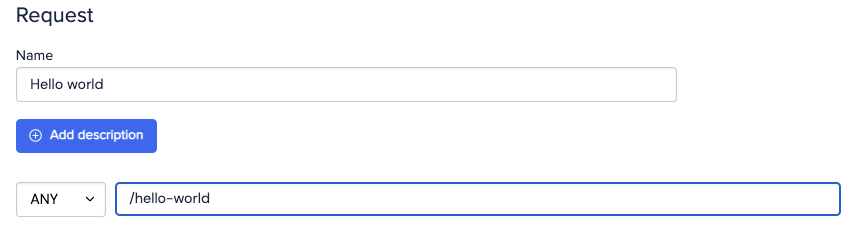
Select the mock API you'd like to work in, then navigate to the Stubs page and hit the New Stub button. Change the URL field from thedefault value to whatever you'd like to match on e.g. `/hello-world`.
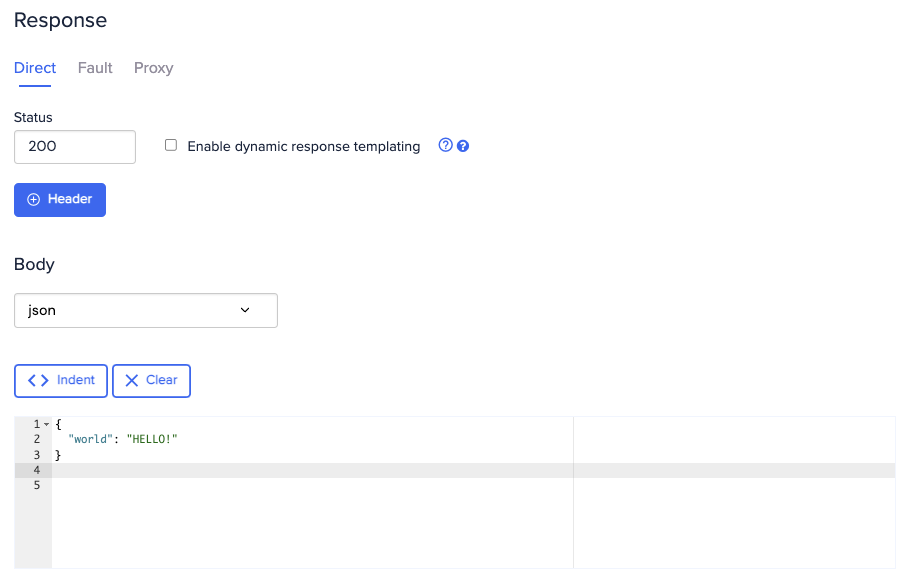
 In the Response section, set HTTP status, headers and body text. Typically it is a good idea to send a `Content-Type` header in HTTP responses, so add one by clicking New Header and setting `Content-Type` to `application/json`.
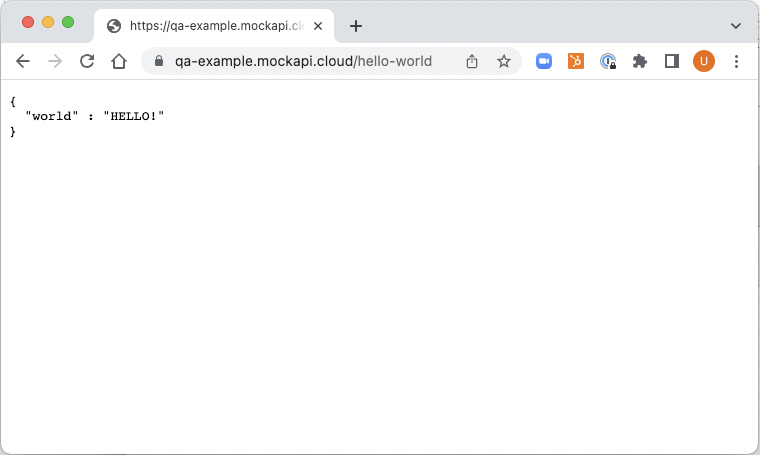
 Hit Save, then you're ready to test your stub. Point your browser to `http://.wiremockapi.cloud/hello-world`.
You should see the text that you entered into the body text box. You can find out what your
subdomain is on the Settings page for the mock API.
Hit Save, then you're ready to test your stub. Point your browser to `http://.wiremockapi.cloud/hello-world`.
You should see the text that you entered into the body text box. You can find out what your
subdomain is on the Settings page for the mock API.