> ## Documentation Index
> Fetch the complete documentation index at: https://docs.wiremock.io/llms.txt
> Use this file to discover all available pages before exploring further.
# Import & Export - Overview
> Importing and exporting mock API stubs in Swagger, OpenAPI and WireMock Cloud/WireMock format.
You can import your [Mountebank stubs](../import-export/mountebank), [Har log](../import-export/har),
[Swagger](/openAPI/swagger/) and [OpenAPI](/openAPI/swagger/) specifications and [Postman](../import-export/postman)
collections into WireMock Cloud in order to auto-generate stubs in your mock API. Swagger 2.x and OpenAPI 3.x are supported,
in both JSON and YAML format.
You can also import and export stubs in [WireMock](../import-export/wiremock/) JSON format. This can be used to move projects between WireMock and WireMock Cloud, store your mock APIs in source control and make copies of WireMock Cloud APIs.
## Importing - basics
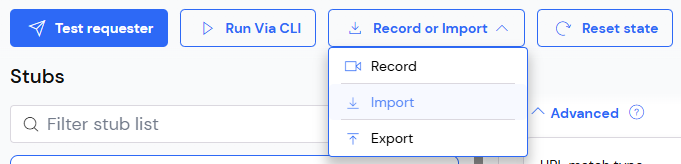
To import from any of the supported formats, navigate to the Stubs page of the
mock API you'd like to import into, then click the Import button.
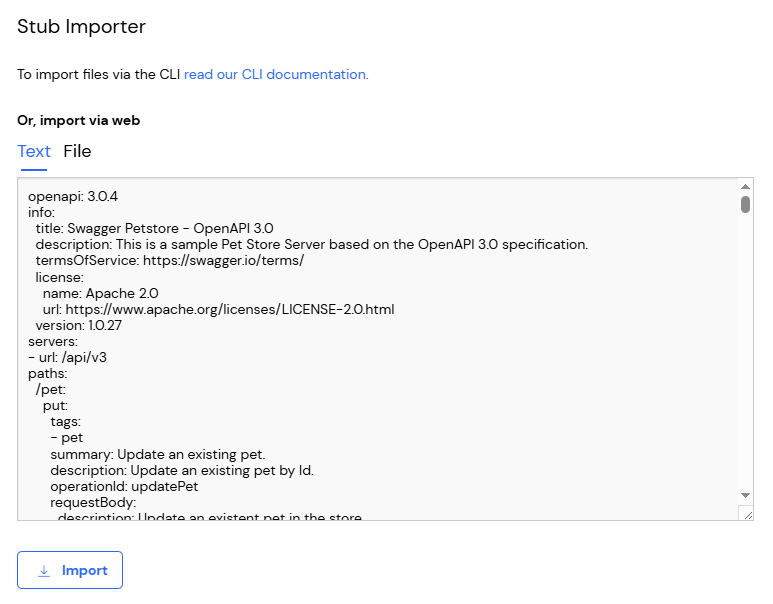
 Then either paste the content to be imported:
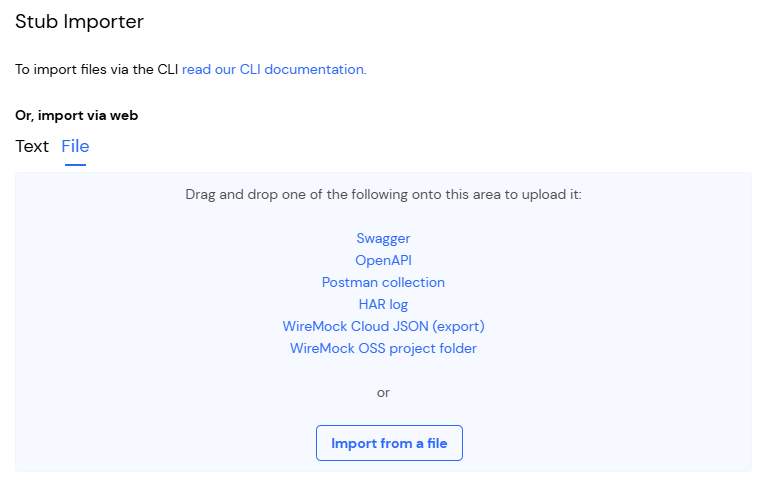
 Or upload it as a file:
 The WireMock JSON format is also WireMock Cloud's native format, so when a file of this type is imported,
the stubs created correspond exactly to the file contents.
However, when importing from Swagger and OpenAPI, stubs are generated according to
a set of conversion rules. These can be [tweaked and customised in a number of ways](/openAPI/swagger#customising-the-import).
You can also automate imports via [WireMock Cloud's API](../import-export/api).
## Exporting
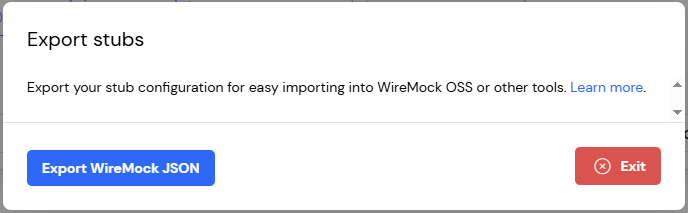
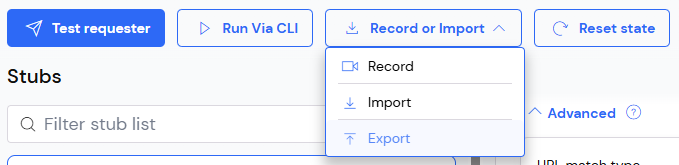
To export the current mock API's stubs in WireMock Cloud/WireMock JSON format, click the Export button:
The WireMock JSON format is also WireMock Cloud's native format, so when a file of this type is imported,
the stubs created correspond exactly to the file contents.
However, when importing from Swagger and OpenAPI, stubs are generated according to
a set of conversion rules. These can be [tweaked and customised in a number of ways](/openAPI/swagger#customising-the-import).
You can also automate imports via [WireMock Cloud's API](../import-export/api).
## Exporting
To export the current mock API's stubs in WireMock Cloud/WireMock JSON format, click the Export button:
 Then click the download link: