> ## Documentation Index
> Fetch the complete documentation index at: https://docs.wiremock.io/llms.txt
> Use this file to discover all available pages before exploring further.
# Introduction
> Welcome to the WireMock Cloud API
## Summary
This area provides an API playground where you can try out WireMock Cloud's API and send API calls to its
various endpoints, from managing users, mock APIs and teams to recording stub mappings, just to name a few.
On the left-hand side of the page, you can find a list of all the available endpoints grouped by functional areas.
When selecting one, its details appear along with its request and response specification, as well as code examples that are
available in a few different languages.
## Sending API calls
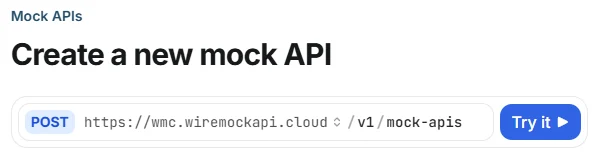
Once you selected an endpoint, you can send requests to it by clicking the **Try it** button next to the endpoint path.
 This opens up an overlay where you can enter the necessary request parameters, body, etc. and can actually send your request.
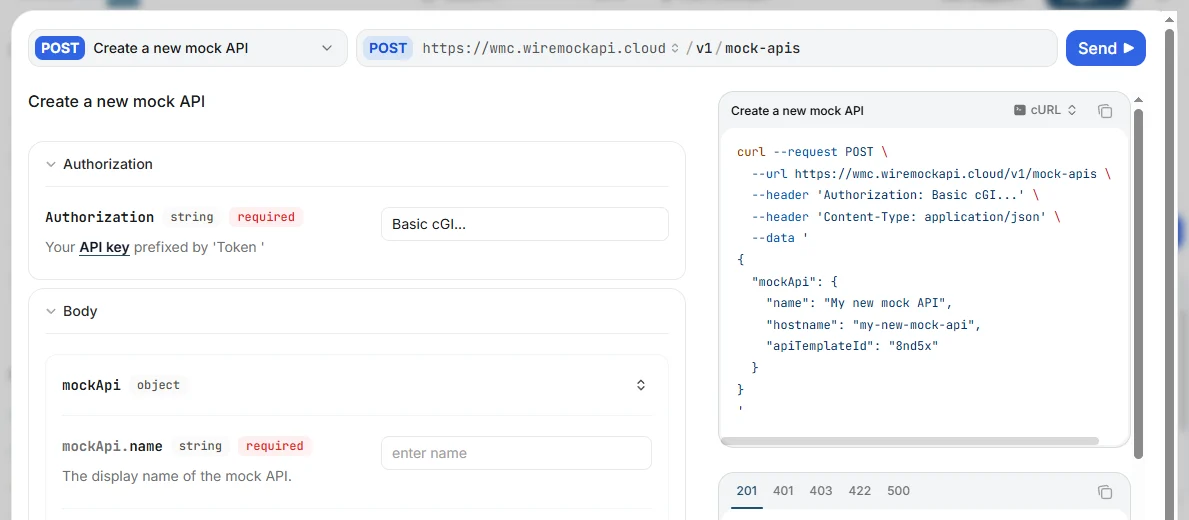 There are two hosts you can choose from:
 * `wmc.wiremockapi.cloud`: uses a mock API, and supplies canned data
* `api.wiremock.cloud`: uses the production API, so you will get real data
### Authorization
The endpoints require the Authorization header to be set for which you can use the following formats:
* `Token ` (the [Authentication](/authentication) page describes how to find your API token)
* `Basic `
* `wmc.wiremockapi.cloud`: uses a mock API, and supplies canned data
* `api.wiremock.cloud`: uses the production API, so you will get real data
### Authorization
The endpoints require the Authorization header to be set for which you can use the following formats:
* `Token ` (the [Authentication](/authentication) page describes how to find your API token)
* `Basic `